 Market Boss AI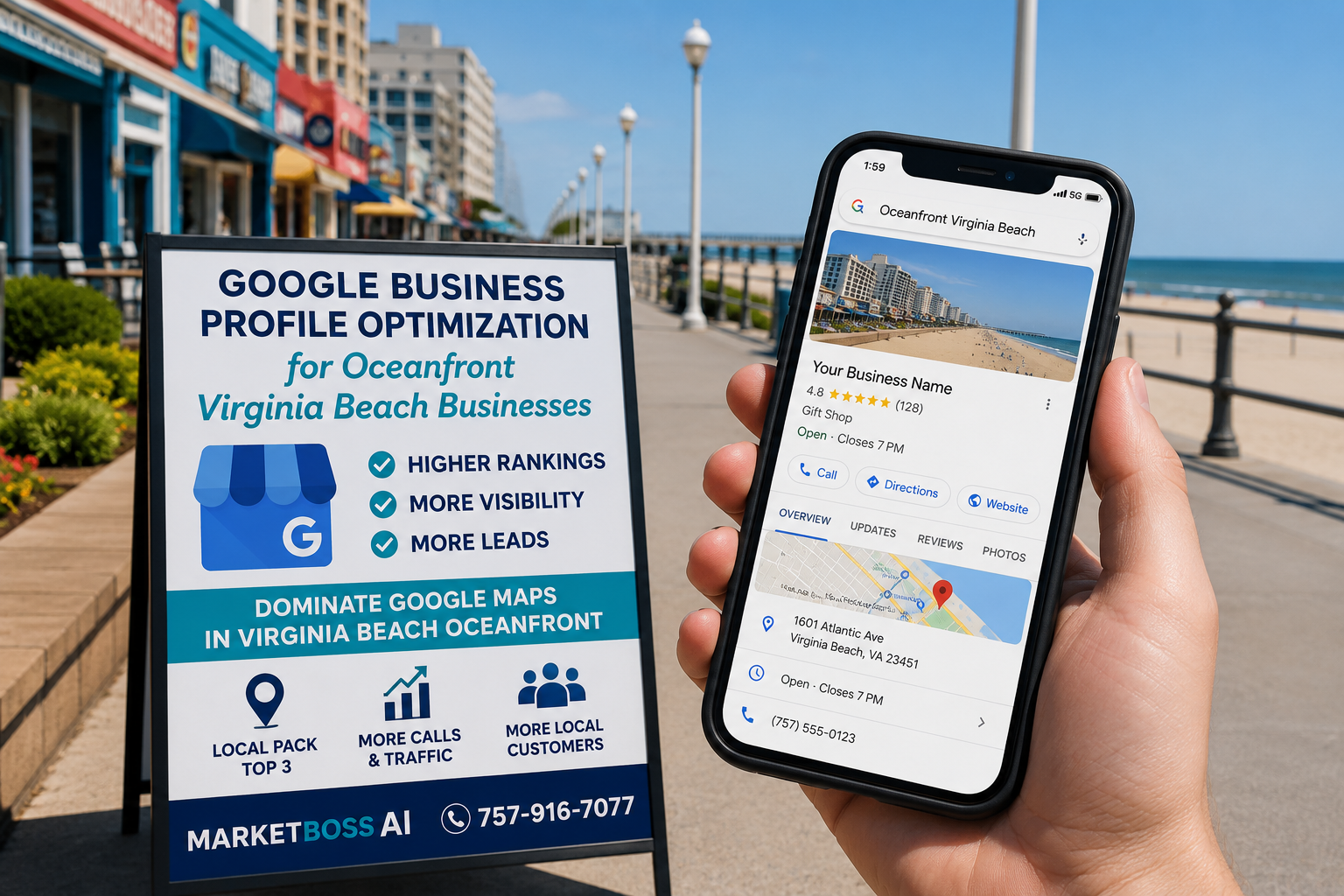
If you own a business in Virginia Beach's Oceanfront district, you already know foot traffic is competitive. But here's what most Oceanfront business owners miss: 70% of local search traffic on Google starts with Google Maps. Your Google Business Profile is either your biggest lead generator or your biggest leak.
This guide walks you through the exact GBP optimization strategy we use for Virginia Beach Oceanfront restaurants, retail shops, and service businesses. By the end, you'll know why your profile isn't ranking and how to fix it in the next 30 days.
Why Your Virginia Beach Google Business Profile Isn't Ranking
Google's algorithm rewards profiles that look complete, current, and authentic. Most Virginia Beach Oceanfront businesses score 4/10 on completeness because they:
- Missing service area data — If your business serves Virginia Beach Oceanfront customers plus nearby neighborhoods, Google needs to see it. Without service area mapping, you're telling Google: "I don't know my market." Google believes you and ranks local competitors who do.
- No post consistency — Posting once every six months to your Google Business Profile sends a signal: this business is stagnant. The Oceanfront's best-performing profiles post 2-3 times weekly. Photos of new inventory, staff updates, seasonal offers. Google prioritizes active profiles.
- Low review velocity — A 4.8-star profile with 12 reviews ranks lower than a 4.7-star profile with 120 reviews. Why? Google measures momentum. The Oceanfront is competitive. You need steady review flow to signal relevance.
- Weak Q&A section — The Q&A section on your Virginia Beach profile is free real estate. But if you're not answering questions, a customer asking "Do you serve Oceanfront?" sees silence. Your competitor answers and wins the click.
The 7-Step GBP Optimization System
Step 1: Claim & Verify (Week 1)
Start here. If your Virginia Beach business profile isn't claimed, Google owns your narrative. Verification takes 5-10 days by postcard.
Step 2: Complete All Fields (Week 1-2)
Business name, address, phone, website, hours (including seasonal hours for the Oceanfront). Add service categories. Specificity drives visibility. Add attributes: "Wheelchair accessible," "LGBTQ+ owned," "Women-owned." Oceanfront demographics value inclusion.
Step 3: Write a Conversion-Focused Description (Week 2)
120 characters. Use them. Not: "We sell things." Better: "Premium gifts & locally-made goods in Virginia Beach Oceanfront since 2015. Curated gifts for visitors + locals near Virginia Beach Boardwalk. Free gift wrapping."
Step 4: Build a Photo & Video Library (Week 3-4)
Google ranks profiles with 10+ photos higher. Get: 5-7 interior/exterior photos, 3-5 product photos, 2-3 team photos, 1-2 neighborhood/landmark photos. Videos get 2.3x more engagement than photos.
Step 5: Launch Review Generation (Ongoing)
Text message request right after purchase: "Thanks for visiting! Quick 30-second review helps us improve. [Link]" Results: 3-5x more reviews vs. email.
Step 6: Monitor & Respond (Weekly)
Respond to all reviews. Positive: thank and mention specifics. Negative: take offline, solve the problem. Q&A: answer within 24 hours.
Step 7: Update Posts Every 1-2 Weeks (Ongoing)
Use posts for events, new inventory, seasonal promotions, and staff spotlights. Oceanfront foot traffic spikes on weekends and in summer — keeping a steady posting rhythm is where social media management and GBP work reinforce each other.
What Results Look Like in 60 Days
By Day 30, rank in Google's "Local Pack" (the top 3 spots on Maps). By Day 60: a 20-40% increase in click-through rate, plus more calls, foot traffic, and direction requests.
Want This Handled for Your Oceanfront Business?
This is exactly the work we do for businesses across the Oceanfront and greater Virginia Beach area — full Google Business Profile optimization backed by broader local SEO services so your rankings hold. Get a free consultation and we'll show you exactly why your profile isn't ranking and what to fix first.